Daily Status
The whole day,
in view.
The first hour in many shops goes to working out what is due, who is coming in, and what went out yesterday. Daily Status answers those before the coffee is poured.
At a glance
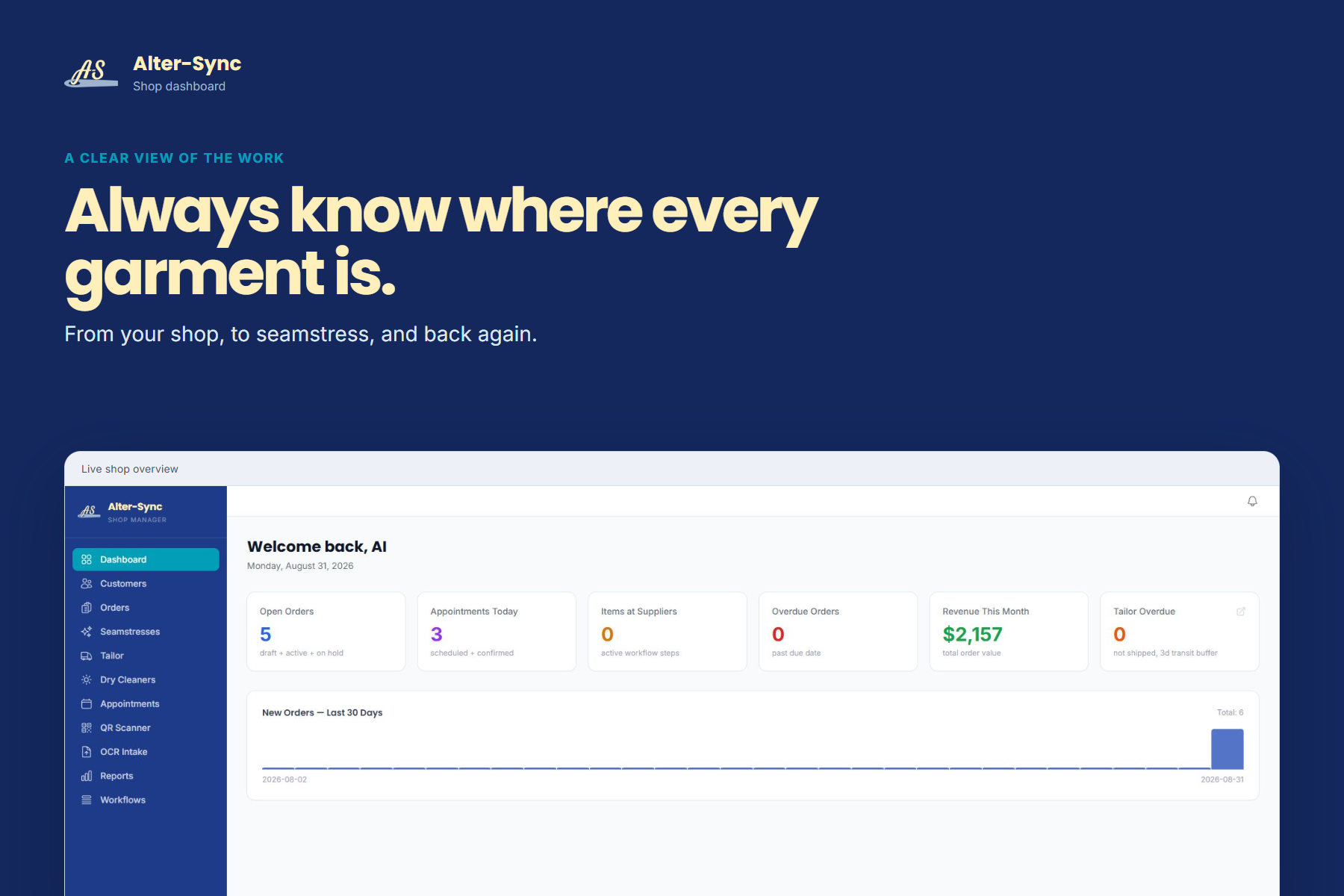
Seven numbers that describe your morning.
Each card on the dashboard is a question an owner asks out loud. Now it is answered on screen for everyone.
- Open orders: drafts, active work, and anything on hold
- Appointments today, scheduled and confirmed
- Items currently with suppliers
- Overdue orders past their due date
- Revenue this month
- Tailor items overdue, with a transit buffer
- New orders over the last thirty days
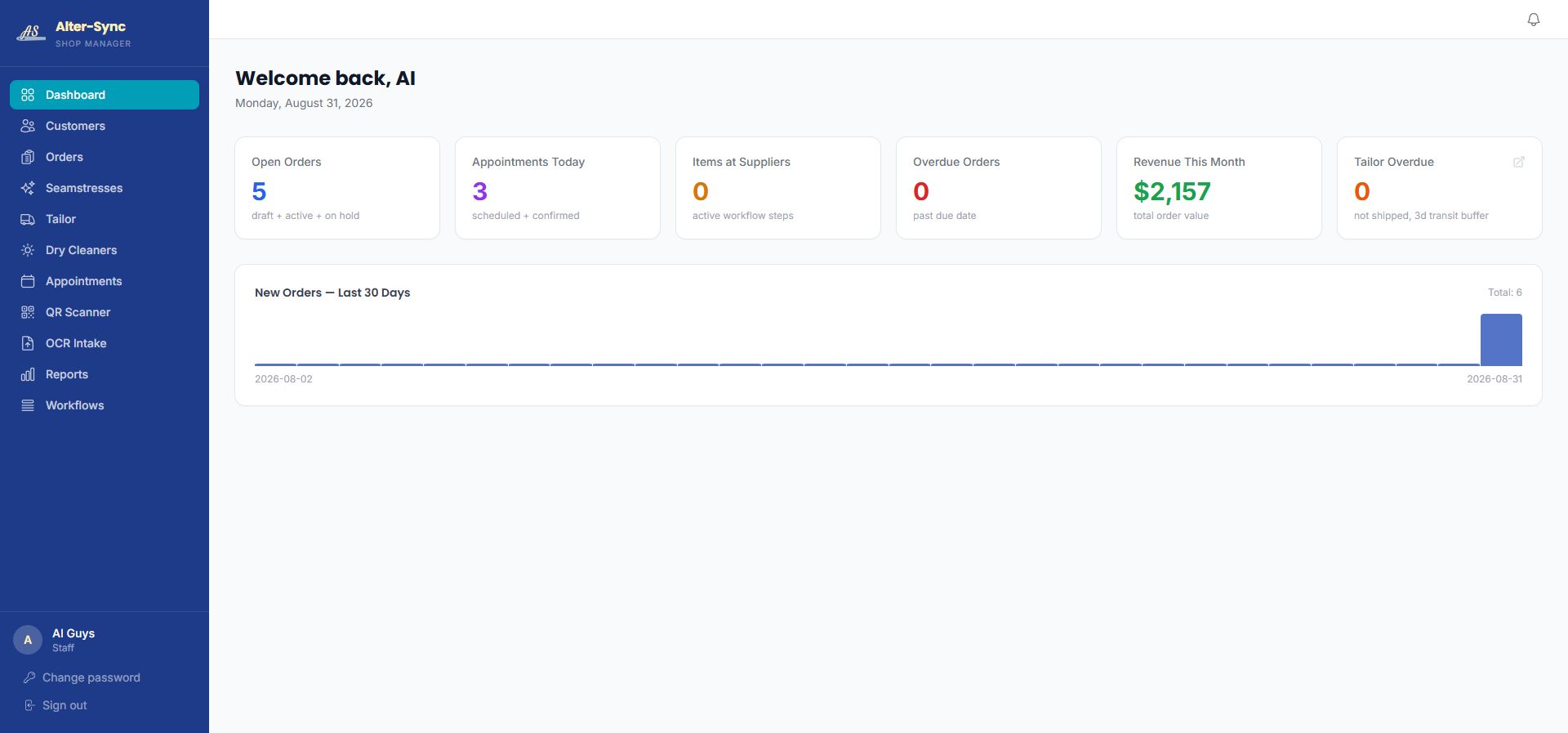
The included dashboard for a demo shop: five open orders, three appointments, and the month's revenue on one screen.
Included versus premium
The dashboard is included.
The Live Board is the upgrade.
Two different things, and worth being clear about before your walkthrough.
Daily Status dashboard
- Included with Alter-Sync for every shop
- Opens in a browser on any computer, tablet, or phone
- Shop-level numbers plus the thirty-day order chart
- One click from the orders list, appointments, and reports
Live Board
- A separate premium feature
- A shared display for the shop floor, so the team sees the day without opening a laptop
- Built for the shop that runs on a printed sheet taped by the door
- Ask Darrell to show you both on the walkthrough
Who leans on it
The owner who used to ask, and the owner who used to be asked.
Alteration shops
When three seasons' worth of hems arrive in one week, the dashboard shows what is due and what is overdue before a customer calls to ask.
For alteration shopsNext-generation owners
Numbers on a screen instead of in a parent's head. The dashboard is often the first thing a new owner shows the family.
For the next generationWhen you need more than a glance
The dashboard is the summary. Reports are the detail, with filters and a CSV download.
See reportsQuestions
About Daily Status and the Live Board.
What does the Daily Status dashboard show?
Open orders, today's appointments, items currently with suppliers, overdue orders, revenue for the month, tailor items that are overdue, and a chart of new orders over the last thirty days.
Is the dashboard included?
Yes. The standard Daily Status dashboard is part of the product for every shop.
What is the Live Board?
The Live Board is a shared display for the shop floor, so the whole team can see the day without opening a laptop. It is a separate premium feature. Ask Darrell to walk you through both options.
Can I see an individual order from the dashboard?
The dashboard is the overview. The Orders list and each order detail are one click away in the same navigation, and a QR scan opens a specific order directly.
A conversation about your shop
See your shop in sync.
Bring your order forms to a thirty-minute walkthrough and see how Alter-Sync fits the process you already trust.
Book a WalkthroughPrefer to talk first? Call (205) 541-0683 or email Darrell.